2025-1031-2316 UE - Unreal Engine 5 Blueprints - The Ultimate Developer Course
1. Introduction to Unreal Engine
2. Assets for the Course
3. Your First Challenge
4. Installing the Engine
5. Our First Project
- blank project
- starter content
- name Section_1
- create Maps folder
- BasicMap
- set in project settings
- default maps
6. Editor Layout
7. Play In Editor
- game gets mouse control
8. Manipulating Objects
- duplicate
- hold alt
- rotate
9. Perspective
10. File Types
- mesh editor
- clt + left/right
11. Mesh Scale
- movable props will consume resoureces
- bigger props should be handle in when importing
12. Materials
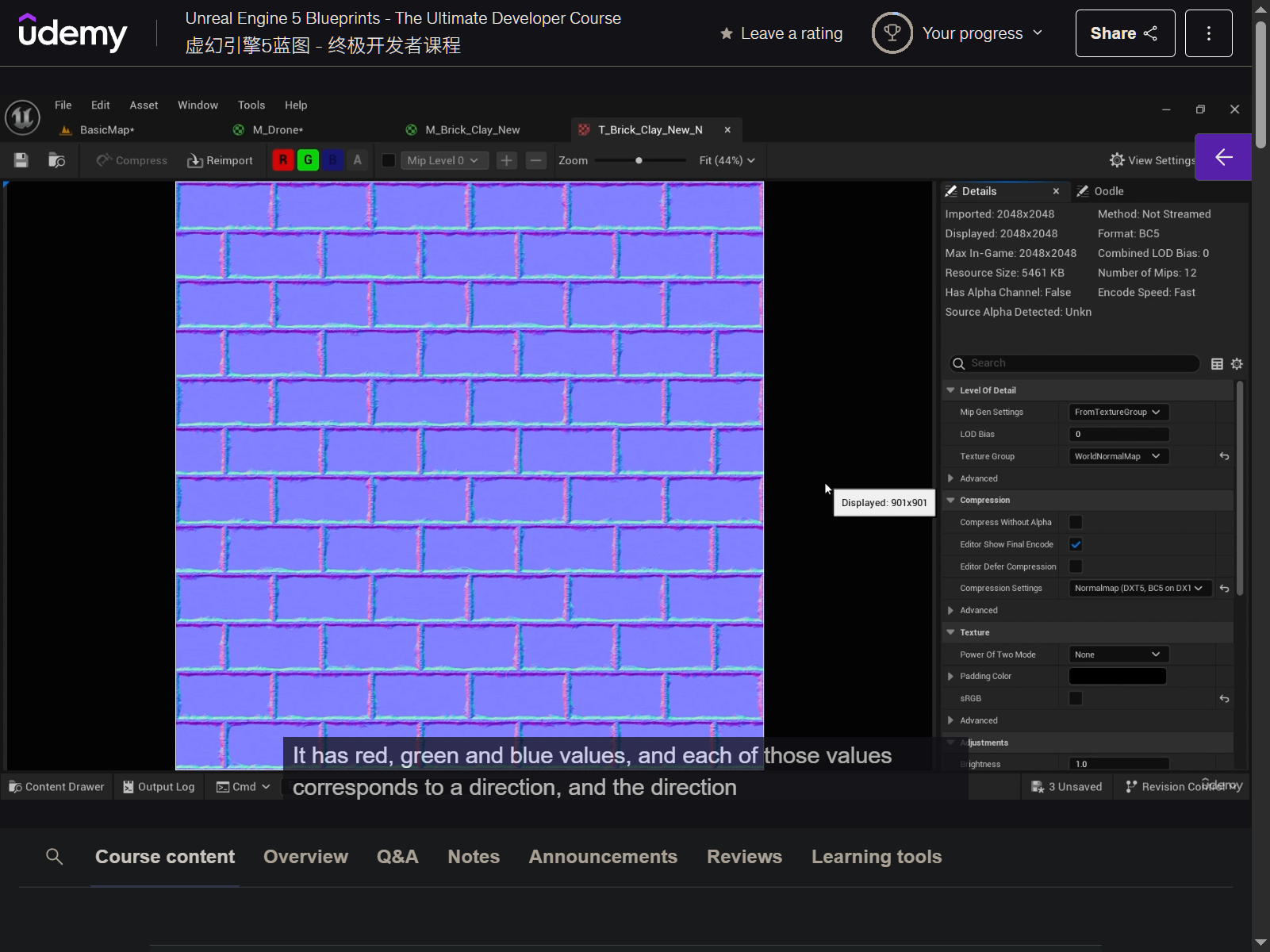
- normal map
13. Drone Material
- bc - base color
- em - emissive color
- nrm - normal
- orm
- r - ambient occlusion
- g - roughness
- b - metallic
14. Assets now in FAB
lowpoly Handprinted environment
15. Marketplace Assets
16. Migrating Assets
- can only migrate to content folder to another project
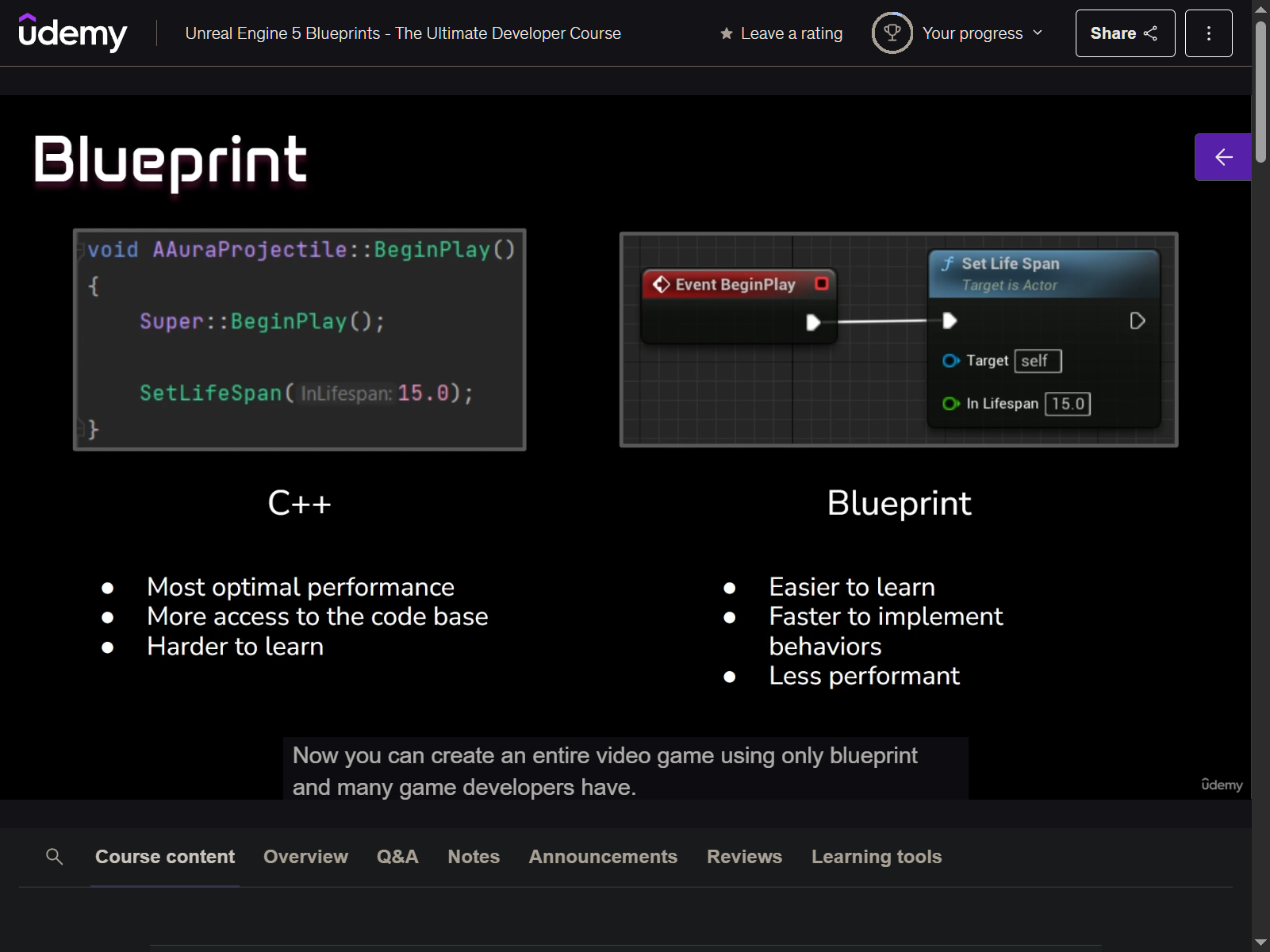
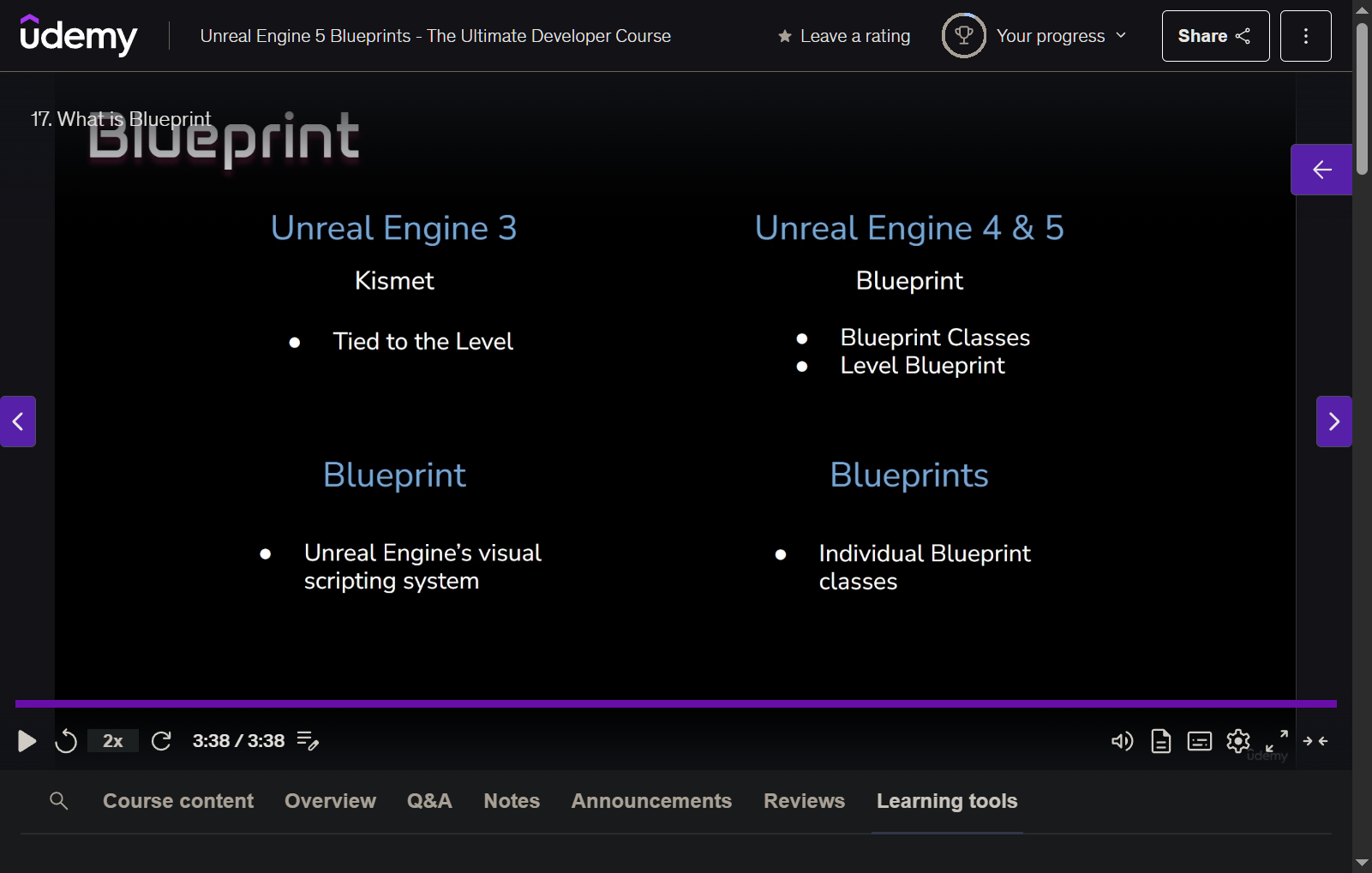
17. What is Blueprint
18. The Level Blueprint
- pring string
- key - Message1
- will show only unique string
- key - Message1
19. Creating a Blueprint Class
- BP_Drone (Actor)
20. Components
- add static mesh
21. Append String
- get actor location
- get object name
- different from what they are called in the outliner
Append
22. Coordinates
23. Debug Shapes
- select and use
Qto make line straght
24. Local vs Global Space
- draw debug coordinate system